Home / IT as a service / Workspace

Workspace PC or Mac, Microsoft 365 and support for every employee, at a fixed price per user.

Workspace is each employee’s workplace: sign-in, PC or Mac, Microsoft 365 and support. We set it up, keep it updated and secured, and help when something stops working – wherever people work.

  • Microsoft
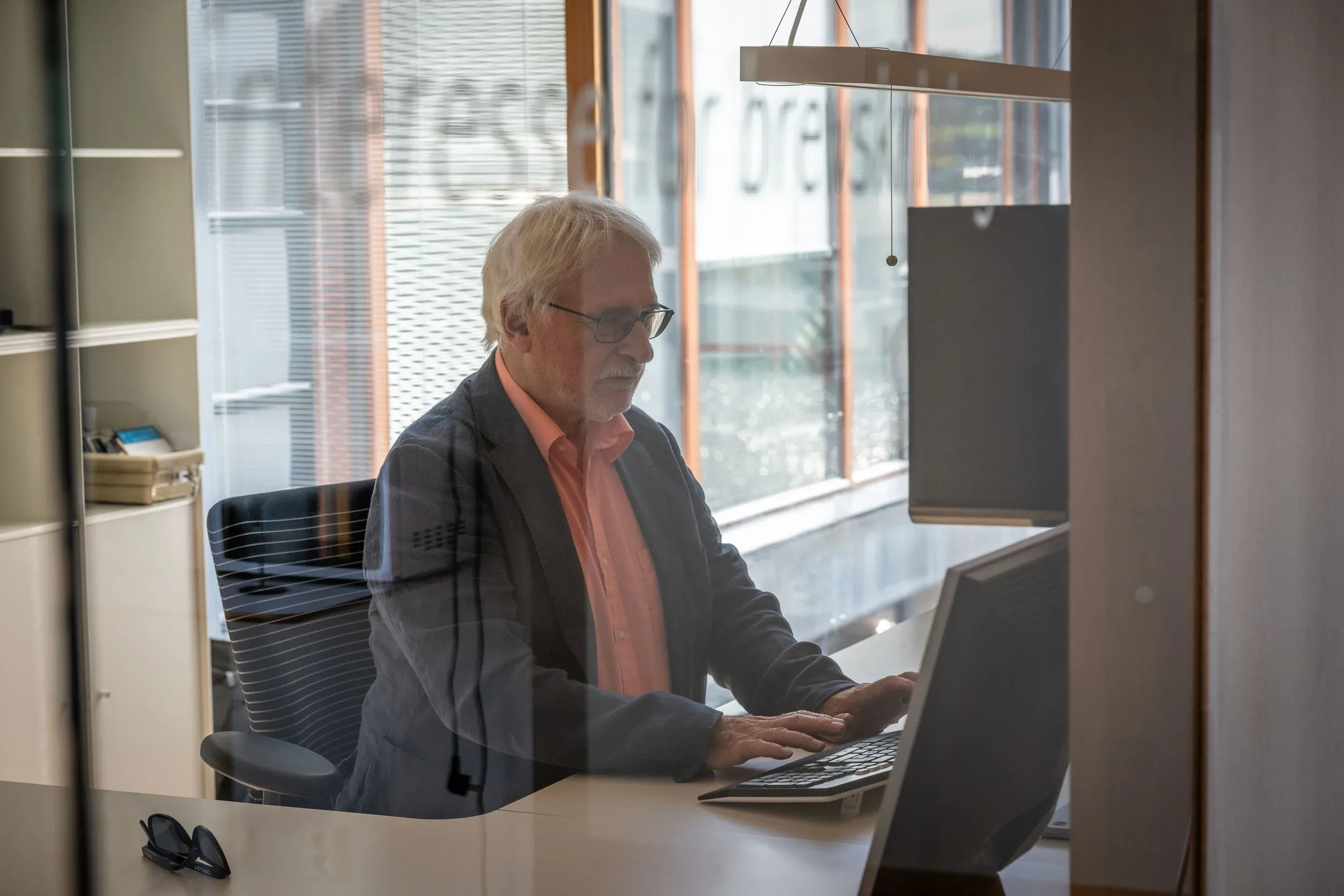
At the desk; Storevik IT colleague at work, seen through the office glass

What can go wrong

Stolen sign-ins

A password in the wrong hands gives access to everything that person can reach. MFA and rules for where people can sign in from stop most of it.

Unmanaged devices

A PC nobody has set up lacks encryption and updates. If it goes missing, the data goes with it.

Data loss

A deleted mailbox or an encrypted OneDrive does not come back by itself. You need a separate copy to restore from.

Human error

Sooner or later the email that looks genuine arrives. With practice, more people stop and ask.

Examples

The new employee

Without Workspace

A new hire starts on Monday. The laptop is ordered late and arrives the week after. Until then they borrow a machine that nobody has set up for them.

With Workspace

We order the laptop before they start and send it to them. It sets itself up at first sign-in: encrypted, updated and with MFA. Their access matches their role.

The laptop left on the train

Without Workspace

A laptop is left on the train. Nobody knows what is on it, the disk is not encrypted, and the person cannot work until a new machine has been set up by hand.

With Workspace

The disk is encrypted, and we wipe the laptop remotely. A new one is sent, sets itself up, and the person is back at work as soon as it arrives.

What Workspace includes

Ready on day one

We order the PC or Mac and send it to the new employee. It sets itself up with Microsoft 365, sign-in and security in place.

Changes and leavers handled

We change access when someone changes role. When someone leaves, we close the account the same day and hand the files to their manager.

Updates taken care of

We keep the operating system and applications up to date, follow up machines that fall behind, and change each machine’s administrator password regularly.

A backup outside Microsoft

We copy email, OneDrive, SharePoint and Teams to a separate backup, so a deleted or encrypted file can be restored.

Sign-in that holds

We set up MFA on every account, access by role and rules for where people can sign in from. Key people get security keys.

Help from people who know you

We answer when something stops working, and we know your setup, your people and your history.

Security training with phishing exercises is included, with a report to management. Secure adds an extra layer of email security and round-the-clock monitoring. With your own IT team, the same work is available as a service of its own, Microsoft 365 & devices.


Connect, Workspace and Secure

Workspace covers each employee’s PC and Microsoft 365, Connect the network, and Secure the security services. You can buy all three under one agreement, or one at a time.

Contact

Tell us how people join, change roles and leave today.